

Import
Usage
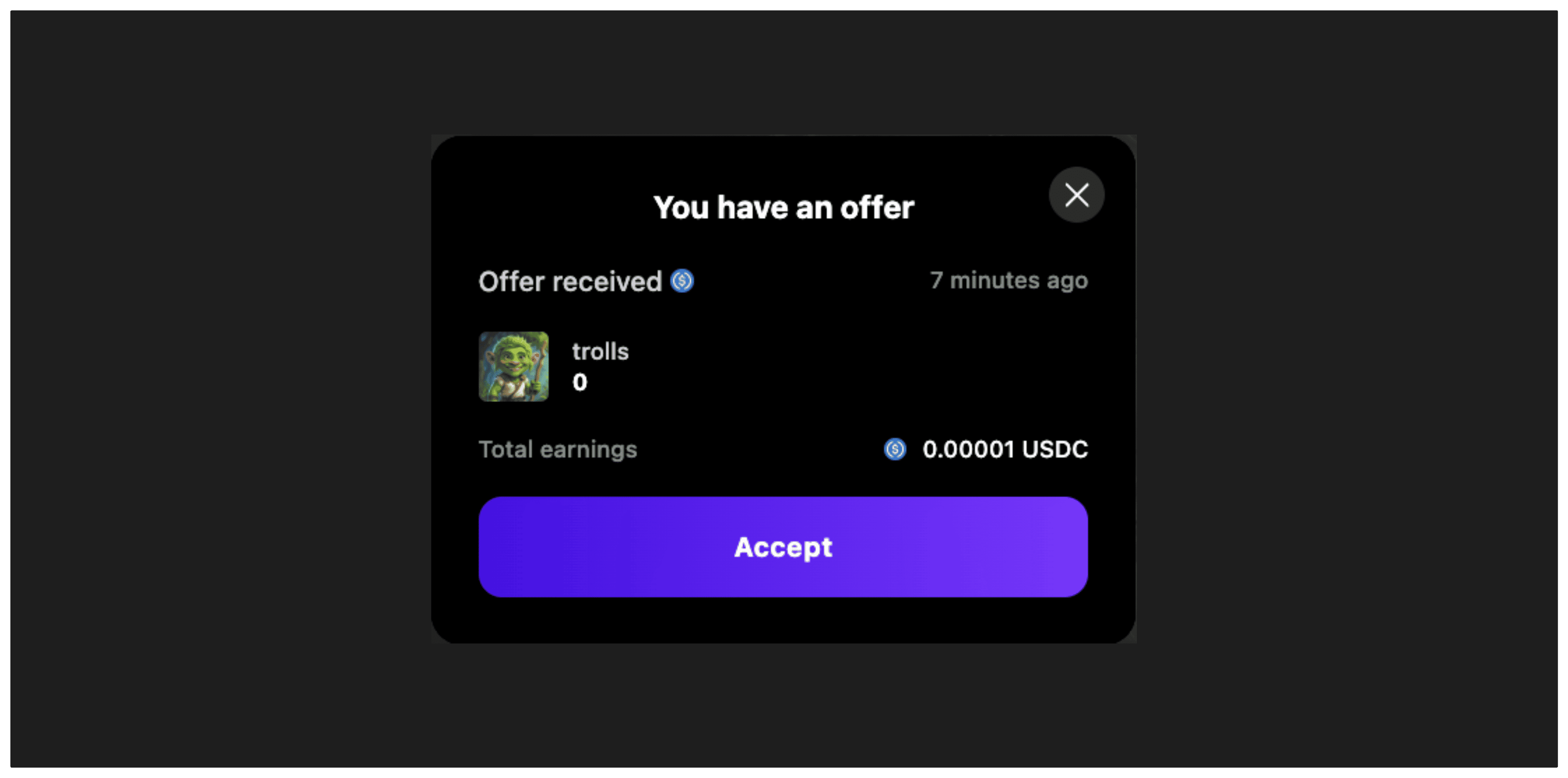
TheuseSellModal hook provides a convenient way to manage the sell modal interface for accepting offers on collectibles. This modal is specifically used when a user wants to sell their collectible to an existing offer (bid) on the marketplace.
Make sure you have followed the Getting
Started guide
to get the collection address and chainId.
Basic Example
This example uses the
useBalanceOfCollectible
hook from marketplace-sdk to verify ownership before showing the sell modal.Parameters
The hook accepts an optionalcallbacks object with the following properties:
Return Type
The hook returns an object with the following methods:Methods
show
(args: ShowSellModalArgs) => void
Opens the sell modal with the specified parameters to accept an offer.
close
() => void
Closes the sell modal.
Notes
TheuseSellModal hook provides a convenient way to manage the sell modal interface for accepting offers on collectibles. It handles:
- Opening and closing the modal
- Managing the sale transaction flow state
- Token approval steps (if required)
- Transaction execution and signature steps
- Error handling and success callbacks
- Support for different marketplace types
- Integration with WaaS (Wallet as a Service) fee options
Prerequisites
Before using this hook, ensure:- User Authentication: The user must be connected with a wallet
- Ownership Verification: Use hooks like
useBalanceOfCollectibleto verify the user owns the collectible - Valid Offer: Ensure there’s a valid offer (Order object) to accept
Related Hooks
useBalanceOfCollectible- Check ownershipuseListOffersForCollectible- Get available offers